Change Password
If you want to change a password of your Sparrow Cloud account, check the following steps.
-
Click on your username in the top right corner
-
Select My Account.
-
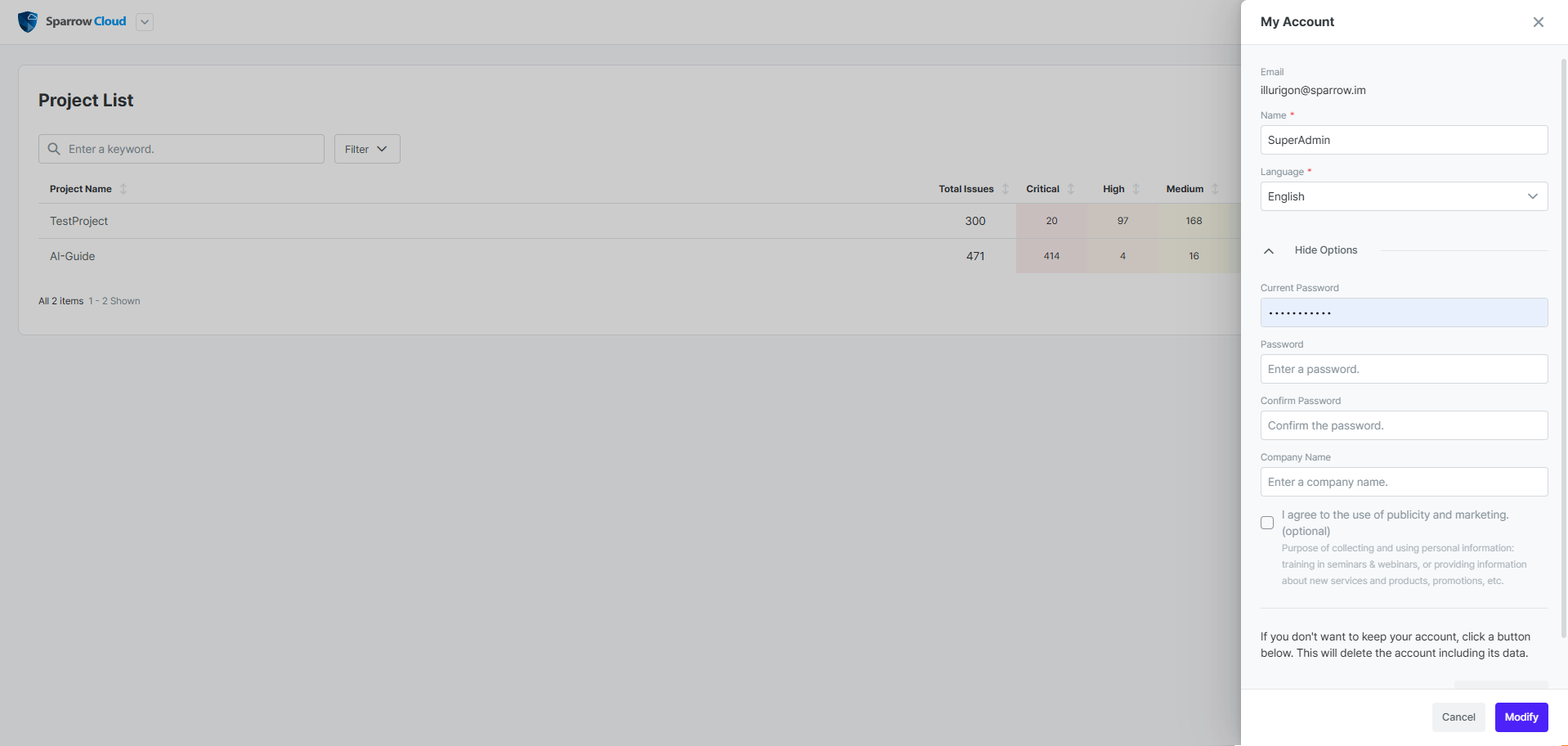
Click on Show Options.
-
Enter your current Password, new Password and Confirm Password.
-
Click Modify button at the bottom of the slide.