AI Guide
On the issue details for source code issue types, you can access the AI Guide. Click the AI Guide button on the right side of the page to review the detected context and receive guidance on false positive status, actual occurrence possibility, and solution.
Tip: The number on the AI Guide button indicates the remaining AI Guide credits.
- Click a project's issue list item for a source code issue.
- Click the AI Guide button in the bottom right of the issue description.
Tip: Multiple clicks reduce the remaining AI Guide credit. Be careful—even if you've already viewed an AI Guide for an issue, clicking again will generate a new guide and deduct from your credit. If the guide doesn't display due to network issues, no credit is deducted.
- The AI Guide is displayed in a new window.
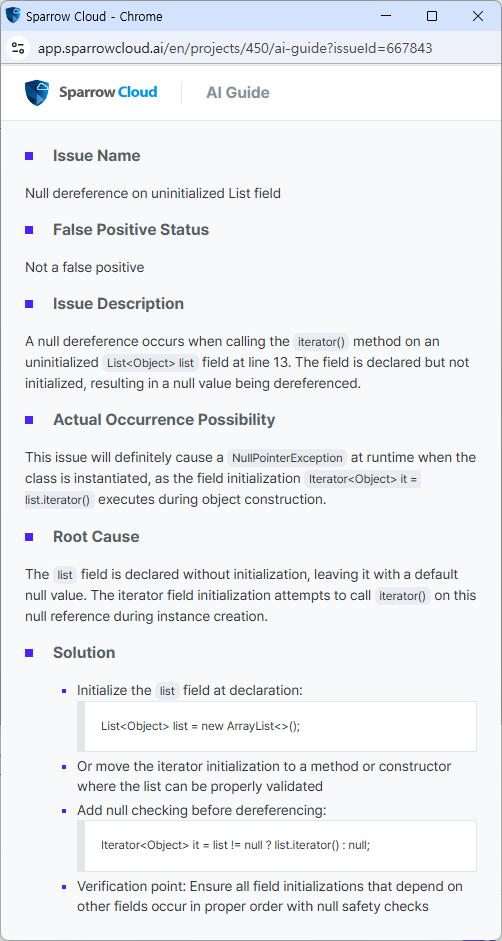
Warning : AI Guide is generated by an LLM-based AI, so it is recommended that users review the guidance based on their actual code and environment.
If a user who has subscribed to source code analysis has used all 200 creadits of AI Guide that are renewed monthly, they can purchase additional AI Guide credits. For more information, please contact Sparrow CS Center.