Create Project
Create a project before performing any analysis. You can create a project by entering a project name.
- Go to the Project List.
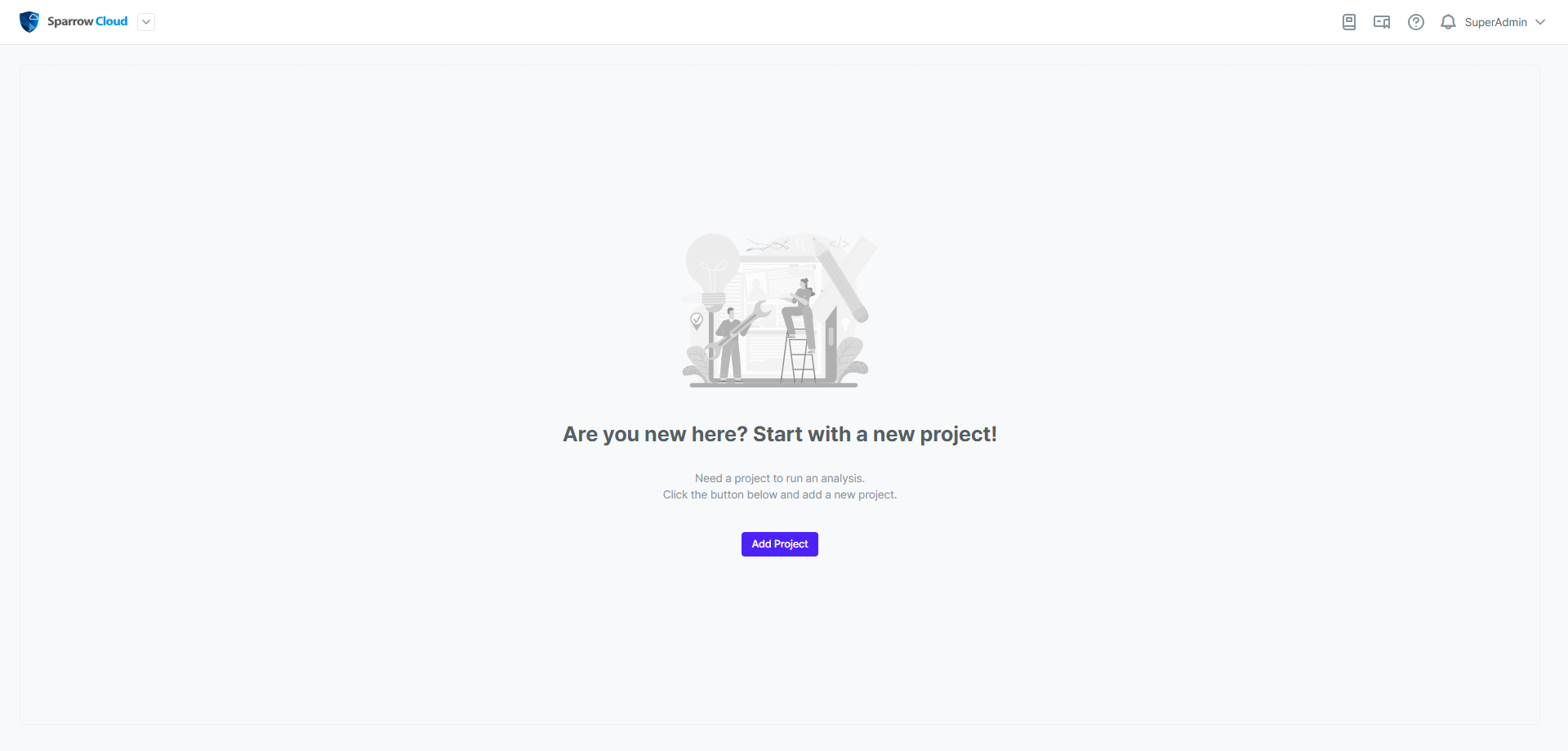
- Click the Add Project button.
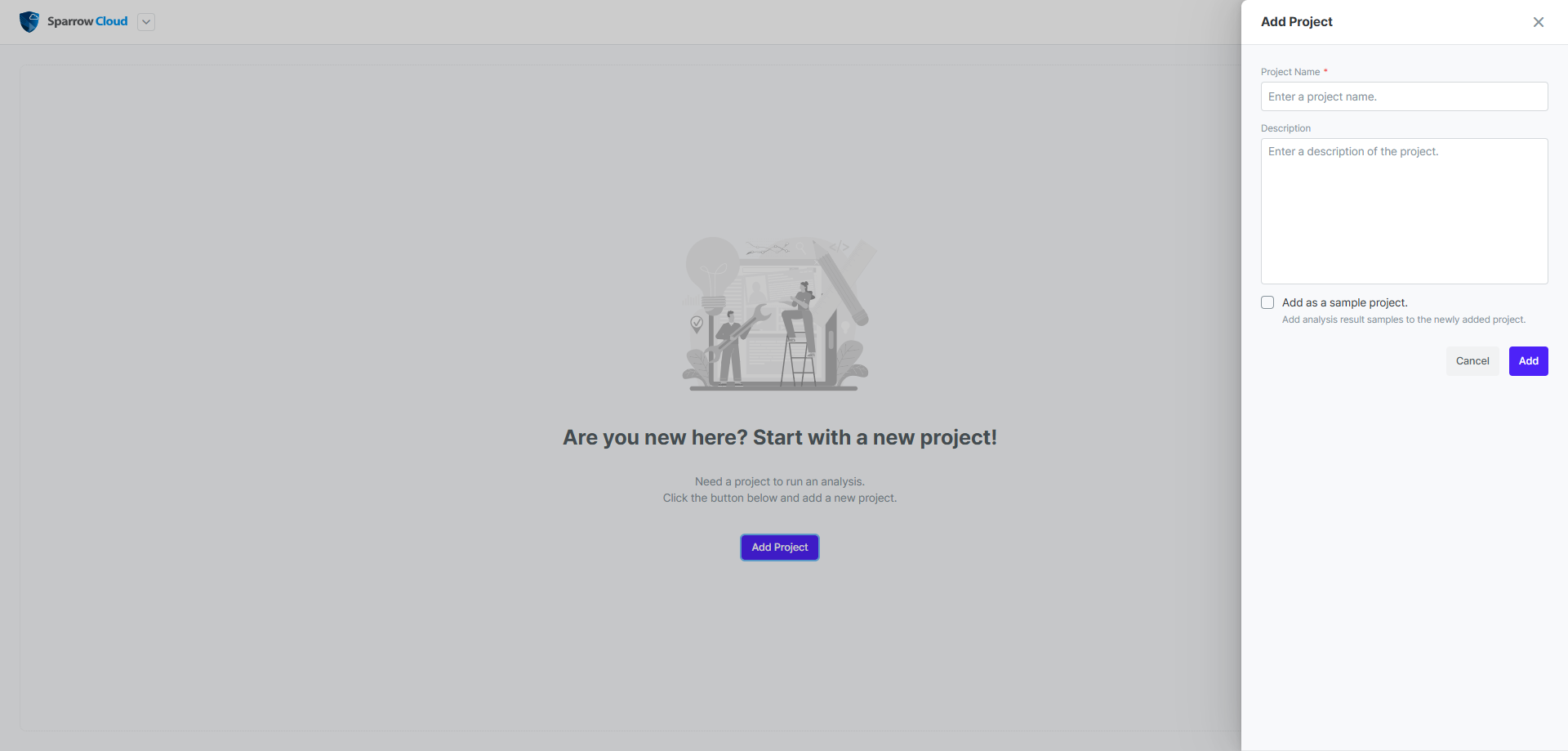
- Enter a name for your project.
- Click the Add button to create the project.
Tip: Select a checkbox for Add as a sample project., and sample data will be added to the project.
To start analysing, go to the project you created. For more information, see Run Analysis.